Automation · 03
Invoicer Machine
A Zapier invoicing pipeline for hourly work. Work entries are recorded in a Google Sheet as they happen, and one request turns a client's entries for the billing period into an invoice that's saved to Google Drive, emailed and logged, so invoicing no longer means copying hours by hand.
- Stack
- Zapier
- Google Sheets
- Google Docs
- Google Drive
- Gmail
01 / 06
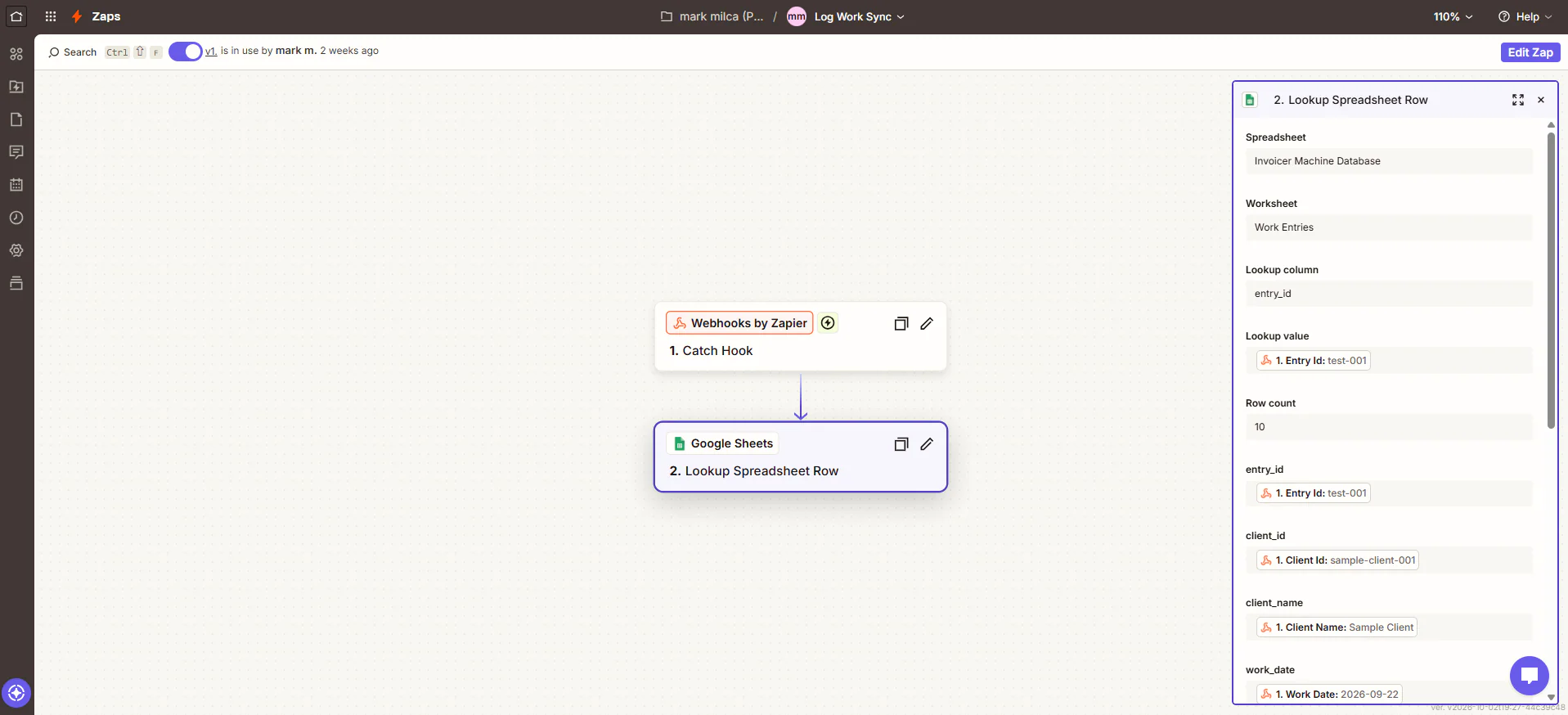
Image 1 of 6: Zapier Log Work Sync zap with the spreadsheet lookup step open
Screenshots use test entries and a test client.
Overview
The problem. Invoicing from a timesheet means copying hours into a document, totaling them, exporting it, emailing it and remembering which hours were already billed. Done by hand every period, it's slow and easy to get wrong.
What I built. I built two Zaps. Log Work Sync receives each work entry by webhook, finds it by its ID in the Work Entries sheet and adds it if it isn't there. Generate Invoice Request looks up the client and their entries, totals them in code steps, fills a Google Docs invoice template, saves it to Drive, emails it with Gmail, records it in the Invoices sheet, notifies the app and marks each included entry as invoiced.
Why it helps. Each invoice is built from the logged hours in one step, and nothing is billed twice.
System flow
2 workflows
How the workflows connect.
- Sends work entries and invoice requests by webhook. Next: Log Work Sync, Generate Invoice Request.
- Zap, 2 steps. Nodes: Webhooks by Zapier; Google Sheets. Next: Invoicer Machine Database.Zap, 14 steps. Nodes: Google Sheets ×5; Code by Zapier ×2; Webhooks by Zapier ×2; Filter by Zapier; Looping by Zapier; Google Docs; Google Drive; Gmail. Next: Invoicer Machine Database, Google Docs & Drive, Gmail.
- Google Sheet with Clients, Work Entries and Invoices tabs. End of flow.The invoice from the template, saved as a file. End of flow.Sends the invoice to the client. End of flow.